Image Compressor
Compress images without losing quality to speed up your website
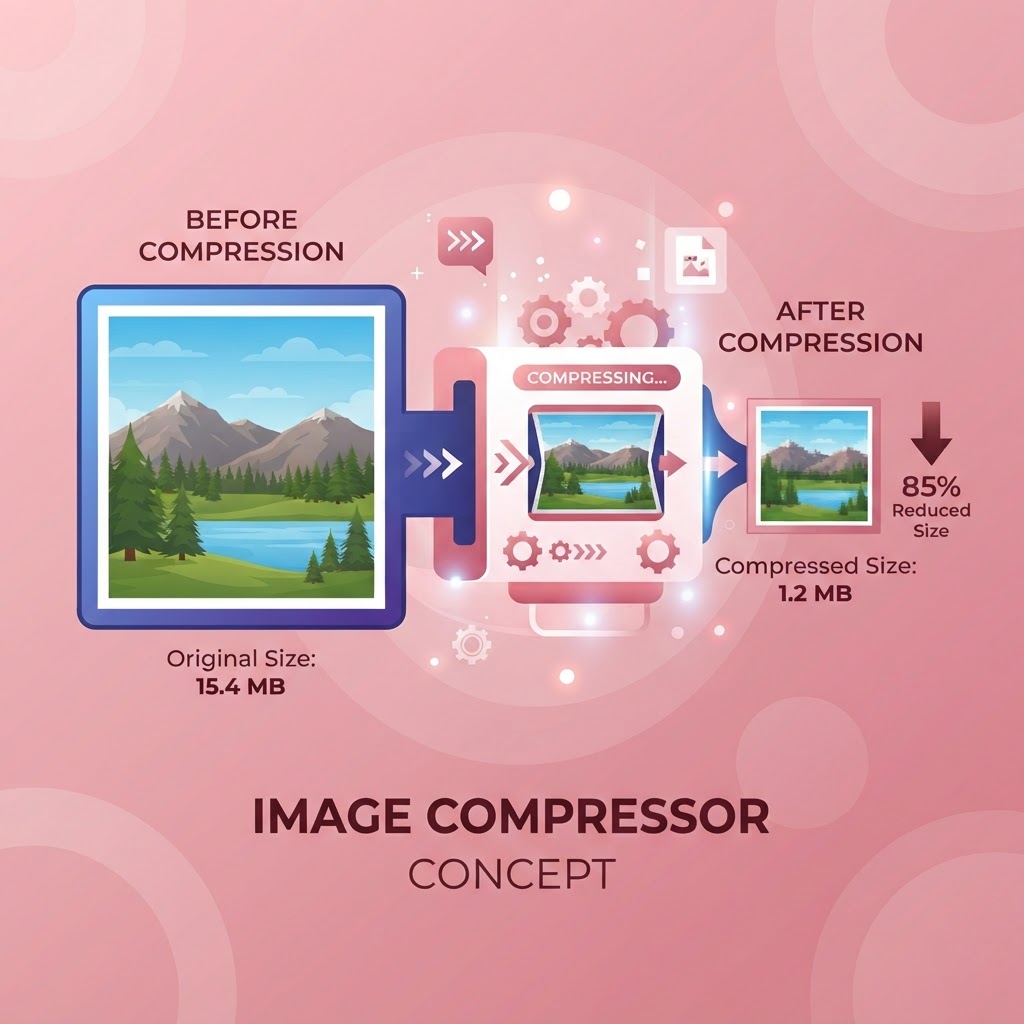
Why Image Compression Is Essential for Web Performance
Images are the heaviest elements on most web pages. According to HTTP Archive, images account for over half of a typical page's total weight. Unoptimized images slow page loads, hurt SEO rankings, increase bounce rates, and frustrate mobile users on slow connections. Compressing images is one of the highest-impact optimizations you can make for website performance.
Google has confirmed that page speed is a ranking factor, and its Core Web Vitals — which measure loading performance — directly affect search rankings. A page that loads in two seconds rather than six retains more visitors and ranks higher. Image compression is often the single fastest way to cut seconds off your load time, with no code changes required.
How Image Compression Works
Image compression reduces file size by removing unnecessary data. Lossless compression eliminates redundant information without affecting visual quality — the compressed image looks identical to the original. Lossy compression removes less critical visual data, achieving much smaller files at the cost of a slight quality reduction that is often imperceptible to the human eye.
Our tool uses smart compression that balances file size and visual quality. It analyzes each image and applies the optimal compression level, removing data that contributes least to perceived quality. The result is a dramatically smaller file that looks almost identical to the original — often 50 to 80 percent smaller with no visible quality loss.
Who Needs an Image Compressor
Website owners and bloggers compress images before uploading to keep their pages fast. E-commerce managers compress product images to speed up category pages and improve conversion rates — studies show that faster pages directly increase sales. Social media managers compress images to meet platform file size limits and faster uploads. Email marketers compress images to keep campaigns under size limits and loading quickly.
Photographers compress images for web galleries and client previews. Designers compress assets for web and app projects. Anyone who publishes images online benefits from compression — it is one of the simplest, highest-impact optimizations available, and it costs nothing to do.
A Step-by-Step Guide to Using the Tool
Upload your image by dragging it into the tool or selecting it from your device. The compressor analyzes the image and applies optimal compression automatically. You will see the original and compressed file sizes, along with the percentage reduction.
Download the compressed image and use it in place of the original. The tool processes everything in your browser, so your images never leave your device — important for privacy and speed. You can compress multiple images one at a time, or use a batch process for larger sets.
Choosing the Right Compression Level
For most web images, a compression that reduces file size by 60 to 80 percent produces excellent results with no visible quality loss. Photographs and detailed images can tolerate more aggressive compression, while graphics with sharp edges and text may need gentler settings to avoid artifacts. Preview the compressed image before downloading to ensure the quality meets your needs.
For hero images and full-width photos, slightly higher quality is worth the extra file size. For thumbnails and decorative images, more aggressive compression is fine. The right balance depends on the image and its role on the page. Our tool makes it easy to find the sweet spot for each image.
Compression and SEO: The Direct Connection
Image compression directly improves Core Web Vitals scores, particularly Largest Contentful Paint (LCP), which measures how quickly the main content of a page loads. Since images are often the largest content element, compressing them improves LCP, which improves your overall page experience score, which Google uses as a ranking signal.
Compressed images also improve mobile experience, which matters because Google uses mobile-first indexing. A page that loads quickly on mobile ranks better than one that does not, all else being equal. Image compression is one of the few optimizations that benefits both users and search rankings simultaneously — making it a no-brainer for any website.
Frequently Asked Questions
The Case for Browser-Based Image Tools
Images are usually the heaviest assets on a web page, and they are also the assets people are most reluctant to recompress, resize, or reformat because doing so traditionally meant opening desktop software. Browser-based image tools remove that barrier — you can compress, resize, convert, and edit images instantly, without installing anything and without uploading your files to a remote server.
The performance case is straightforward. A typical unoptimised hero image can be 2–4 MB. Compressed and served at the correct dimensions, the same image can be under 200 KB with no visible quality loss. Because images often account for more than half of a page’s total weight, optimising them is usually the single highest-impact change you can make to improve Core Web Vitals scores — particularly Largest Contentful Paint, which Google uses as a ranking signal.
There is also a privacy case. When you compress or convert an image in your own browser, the file never leaves your device. This matters for anyone working with client materials, confidential screenshots, medical or legal documents, or personal photos. Cloud-based image editors are convenient, but they require uploading your images to someone else’s server. Client-side tools deliver the same convenience without that trade-off.
About Image Compressor
Compress JPEG, PNG, WebP, and GIF images by up to 80% without visible quality loss — all processed locally in your browser. Our Image Compressor is essential for web developers, photographers, and content creators who need to optimize media for faster page load speeds.
Image size is the single biggest factor in slow websites. According to Google, images account for over 50% of average page weight. Large images slow down your Core Web Vitals scores, hurt your Google rankings, and frustrate users on mobile connections. Compressing images is the highest-ROI performance optimization you can make.
Our compressor uses advanced lossy and lossless compression algorithms to reduce file sizes while preserving visual clarity at typical viewing sizes. The side-by-side comparison lets you choose exactly the right balance between quality and file size before downloading.
Common Use Cases
Key Features
How to Use Image Compressor
- 1
Drag and drop your image or click to upload
- 2
Adjust the compression quality slider (default: 80%)
- 3
Compare the before and after file sizes
- 4
Download the optimized image with one click
Why Use Image Compressor?
Boost Google PageSpeed Score
Image optimization is one of the most impactful PageSpeed improvements. Properly compressed images can improve your Lighthouse score by 20–40 points and directly improve Core Web Vitals LCP.
Faster Website Loading
Reducing a 2MB hero image to 300KB can cut your page load time by 1–2 seconds. For mobile users on 4G connections, this is the difference between staying and bouncing.
Save Storage Space
Compress photos before uploading to cloud storage, email, or CMS. A folder of 100 photos compressed by 70% saves gigabytes of storage over time.
Privacy-Safe Processing
All compression happens in your browser. Your photos — personal, client, or confidential — never leave your device. No cloud upload, no server exposure.

