Paraphrasing Tool
Rewrite content in a fresh way while keeping the original meaning
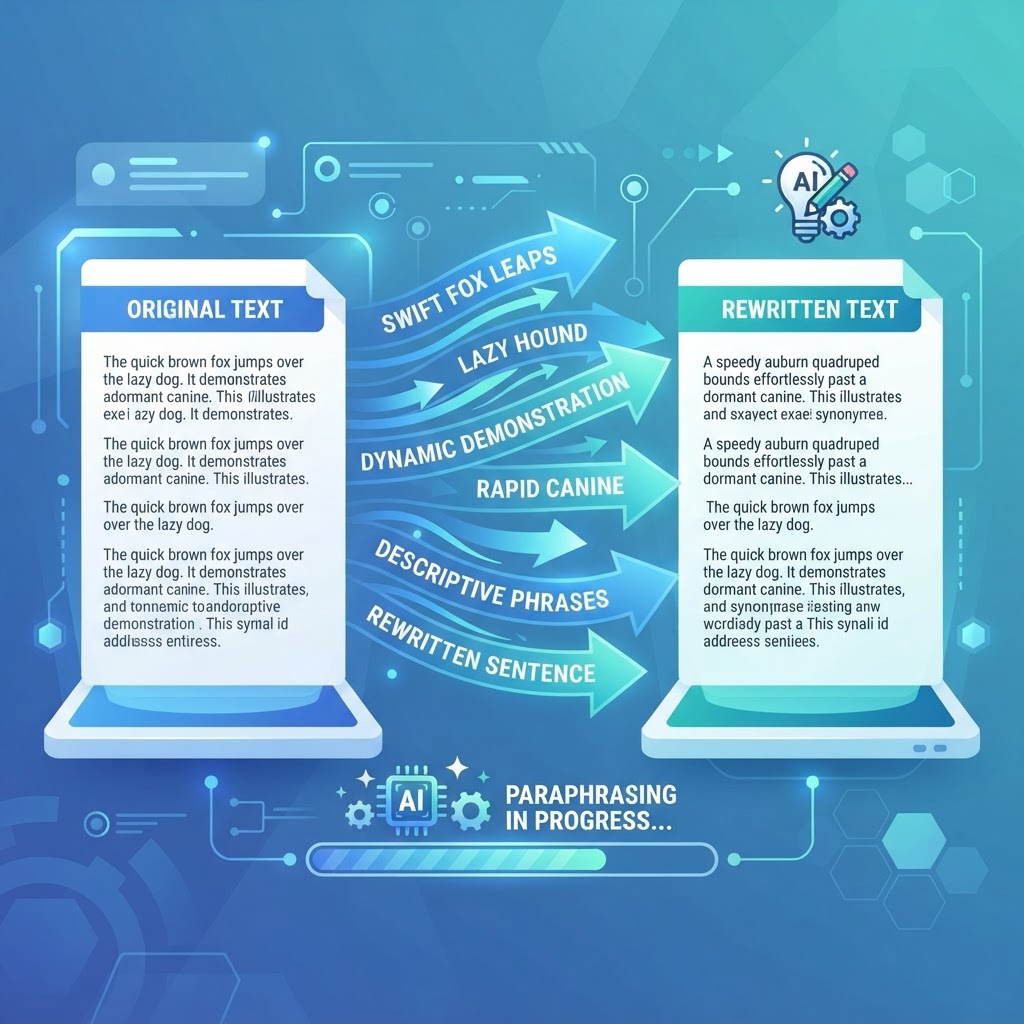
What Is a Paraphrasing Tool and Why You Need One
A paraphrasing tool rewrites existing content using different words and sentence structures while preserving the original meaning. It is one of the most useful writing utilities for students, bloggers, marketers, and professionals who need to present information in a fresh way without losing the core message. Instead of manually rewording every sentence — a tedious and error-prone process — you paste your text and receive a rewritten version in seconds.
The need for paraphrasing arises constantly. A student summarizing a source for an essay must rephrase it to avoid plagiarism. A blogger referencing a competitor's article needs to present the same ideas in original language. A marketer repurposing a press release across multiple platforms wants each version to feel unique. All of these scenarios benefit from a reliable paraphrasing tool that does the heavy lifting instantly.
How AI Paraphrasing Differs from Simple Synonym Swapping
Older paraphrasing tools simply swapped words with their synonyms from a dictionary. The result was often awkward, sometimes nonsensical, and easy for both readers and plagiarism detectors to spot as machine-generated. AI-powered paraphrasing is fundamentally different. It understands the meaning of a sentence and reconstructs it using natural phrasing, varied sentence structures, and contextually appropriate word choices.
Our paraphrasing tool uses advanced language models that grasp context. It can shorten a verbose sentence, simplify complex jargon, change the tone from formal to conversational, or restructure a paragraph for better flow. The output reads like a human wrote it, because the model has learned from millions of examples of natural human writing. This makes the result suitable for direct use with minimal editing.
Who Uses Paraphrasing Tools and Why
Students use paraphrasing tools to rephrase source material for essays and research papers, ensuring their work is original while accurately representing the source. Non-native English speakers use it to find more natural phrasing for their ideas, improving the fluency of their writing. Content writers and bloggers use it to repurpose existing content for different audiences or to create variations of a single article for syndication.
Business professionals paraphrase reports and communications to adapt the tone for different audiences — making a technical document accessible to executives, or softening a direct message for a client. SEO specialists use paraphrasing to create unique product descriptions and meta content, avoiding duplicate content penalties while maintaining keyword relevance. Each use case benefits from the speed and consistency of automated paraphrasing.
A Step-by-Step Guide to Using the Tool
Paste the text you want to paraphrase into the input area. You can paraphrase anything from a single sentence to several paragraphs. Click the paraphrase button and the tool will generate a rewritten version that preserves the original meaning while using different wording and sentence structure.
Review the output and compare it to the original to ensure the meaning is intact. If you want a different version, run it again — each generation produces a fresh rewrite. Edit the result to match your voice and add any specific details. The tool gives you a strong starting point; your final polish makes it yours.
Maintaining Originality and Avoiding Plagiarism
Paraphrasing is a legitimate writing technique, but it must be done correctly to avoid plagiarism. Simply changing a few words is not enough — the sentence structure and phrasing must be substantially different from the source. Our tool rewrites at a deep level, changing both word choice and structure, which produces genuinely original text rather than a lightly edited copy.
Even with a good paraphrase, you should still cite the original source when the ideas are not your own. Paraphrasing changes the words, not the attribution. For academic writing, this is essential. For content marketing, citing sources adds credibility. The tool handles the rewriting; you handle the ethics.
Tips for Getting the Best Paraphrasing Results
Break long texts into smaller sections before paraphrasing. The tool produces better results with focused paragraphs than with a single massive block of text. After receiving the paraphrase, read it aloud — this is the fastest way to catch any awkward phrasing or lost meaning. Edit any sentences that do not flow naturally.
Use paraphrasing as part of your writing process, not as a replacement for it. The best workflow is to paraphrase, then add your own insights, examples, and perspective. This produces content that is both original and genuinely valuable — the combination that ranks well and serves readers. Over time, you will learn which types of text paraphrase most cleanly, making the tool more effective with every use.
Frequently Asked Questions
Why Text Analysis Tools Matter
Text is still the primary medium of the web, and the quality of your writing directly affects how readers, search engines, and algorithms perceive your work. Text analysis tools give you objective, measurable insight into your writing — word counts, readability scores, keyword distribution, grammar issues — so you can improve it deliberately rather than by feel.
Consider how many constraints a single piece of writing must satisfy. A tweet must fit 280 characters. A meta description must stay under 160 characters to display fully in Google. An academic essay must hit a precise word count. A blog post targeting a competitive keyword should land between 1,500 and 2,500 words and use the target keyword at a natural density. A press release should read at roughly an eighth-grade level for broad comprehension. Each of these constraints can be measured, and measuring them is the difference between guessing and optimising.
The writers who produce consistently strong work are not necessarily more talented — they are more systematic. They check their word count, verify their readability, confirm their keyword usage, and proofread for grammar before publishing. Free text tools remove the friction from each of these steps, so the discipline of good writing becomes a habit rather than a chore.
About Paraphrasing Tool
Paraphrase any text instantly with our AI-powered Paraphrasing Tool. Rewrite sentences, paragraphs, and entire articles in a fresh, original voice while preserving the core meaning — eliminating duplicate content and improving readability.
Paraphrasing is a critical writing skill. Students use it to incorporate research without plagiarism. Content writers use it to freshen up republished material. Business professionals use it to adapt formal reports for different audiences. Non-native English speakers use it to improve the fluency and naturalness of their writing.
Our AI paraphrasing engine doesn't just swap synonyms — it restructures sentences, varies vocabulary, and adjusts phrasing to produce naturally flowing rewritten content that reads as if written by a human author. The result is original, readable content that maintains your original message.
Common Use Cases
Key Features
How to Use Paraphrasing Tool
- 1
Paste the text you want to paraphrase into the input area
- 2
Select your preferred output style if available
- 3
Click "Paraphrase" to rewrite with AI
- 4
Review the output and make any manual adjustments
- 5
Copy the paraphrased text and use it in your project
Why Use Paraphrasing Tool?
Beat Plagiarism Checkers
Academic plagiarism checkers and duplicate content detectors flag verbatim copying. AI paraphrasing restructures content enough to pass these tools while keeping the original information.
Repurpose Existing Content
Repurpose a high-performing blog post into a LinkedIn article, email newsletter, or script without rewriting from scratch. Save hours while creating fresh, platform-specific content.
Improve Clarity and Flow
Paste awkwardly-worded text and get a cleaner, more readable version back. Useful for improving first drafts, translating technical jargon for general audiences, and simplifying complex reports.
Non-Native English Writing
Write in your native language's sentence structure, then paraphrase to natural English. Our tool smooths out grammatical awkwardness and produces natively fluent output.