Word Counter
Count words, characters, sentences, and estimate reading time
Why Accurate Word Counting Matters More Than You Think
Word counting seems trivial until you have a strict limit and no reliable way to hit it. University essays, dissertations, and assignments often have firm word count requirements — go over and you lose marks, go under and you have not done enough. SEO-optimized articles need to hit content length targets, since most top-ranking pages run between fifteen hundred and twenty-five hundred words. Social media platforms enforce character caps that can cut your post off mid-sentence.
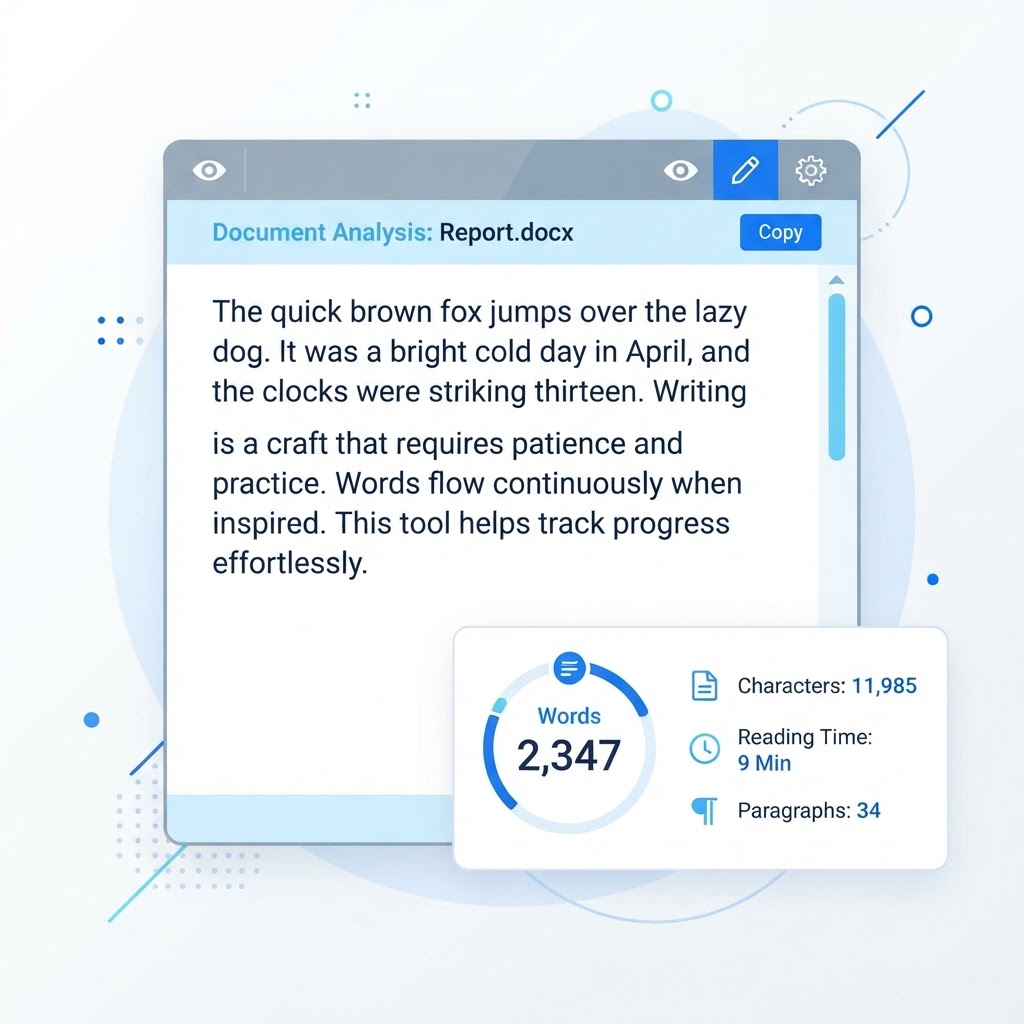
Professional writers, content marketers, students, and developers all rely on accurate word counts daily. The problem is that most text editors only show a single number, with no breakdown of characters, sentences, paragraphs, or reading time. ToolsHub's Word Counter provides the full picture — words, characters with and without spaces, sentence count, paragraph count, and estimated reading time — all updating in real time as you type.
What the Tool Measures and Why Each Metric Matters
Word count is the headline number, but each metric the tool tracks serves a purpose. Character count with and without spaces matters for social media platforms and meta tags, which enforce character limits. Sentence count reveals the average sentence length in your writing — long averages suggest complex, potentially difficult prose. Paragraph count helps you see the structure of your content at a glance.
Reading time is calculated based on the average adult reading speed of two hundred to two hundred fifty words per minute, the same standard used by Medium and Substack. If you publish a blog, showing readers the estimated reading time sets expectations and can reduce bounce rate — readers who know an article takes three minutes are more likely to start it than those facing an unknown length.
How the Counter Stays Accurate Across Languages
Our word counter uses the same standard as professional word processors — a word is any sequence of characters separated by spaces. This means results match Microsoft Word and Google Docs counts with very high accuracy, so you can trust the number when it matters for submissions and deadlines.
The tool works for any language that uses spaces between words, including English, French, Spanish, German, and many more. For languages that do not use spaces, such as Chinese or Japanese, the tool counts characters rather than words, which is the standard convention for those writing systems.
A Step-by-Step Guide to Using the Tool
Paste or type your text into the input box. Results update in real time — there is no button to press. As you write or edit, every metric adjusts instantly. View word count, character count, sentence count, paragraph count, and reading time all at once.
Use the reset button to clear the text and start fresh. Because everything runs in your browser, there is no delay, no upload, and no limit on text length. You can paste anything from a single sentence to an entire novel and the tool processes it instantly.
Using Word Count for Academic and Professional Writing
For academic writing, the word counter is indispensable. University submission systems use a specific word counting standard, and exceeding or falling short of a limit can cost marks. By checking your count as you write, you can pace your content to hit the target precisely rather than scrambling to cut or expand at the last minute.
For professional writing, word count targets help you plan content. If you know a client wants a thousand-word article, you can watch the count rise and adjust your depth accordingly. For SEO, knowing your count helps you hit the length ranges that tend to rank well, ensuring your content is comprehensive enough to compete without being padded.
Privacy and Performance for Sensitive Content
Because the tool runs entirely in your browser, your text is never sent to a server. This makes it safe for confidential content — legal documents, business proposals, personal writing, or anything you do not want stored on a third-party server. Close the tab and the text is gone.
There is no character limit. You can paste text of any length, from a tweet to a full novel, and the tool processes it instantly in your browser with no server-side constraints. This combination of privacy, accuracy, and unlimited length makes it a reliable daily tool for anyone who writes.
Frequently Asked Questions
Why Text Analysis Tools Matter
Text is still the primary medium of the web, and the quality of your writing directly affects how readers, search engines, and algorithms perceive your work. Text analysis tools give you objective, measurable insight into your writing — word counts, readability scores, keyword distribution, grammar issues — so you can improve it deliberately rather than by feel.
Consider how many constraints a single piece of writing must satisfy. A tweet must fit 280 characters. A meta description must stay under 160 characters to display fully in Google. An academic essay must hit a precise word count. A blog post targeting a competitive keyword should land between 1,500 and 2,500 words and use the target keyword at a natural density. A press release should read at roughly an eighth-grade level for broad comprehension. Each of these constraints can be measured, and measuring them is the difference between guessing and optimising.
The writers who produce consistently strong work are not necessarily more talented — they are more systematic. They check their word count, verify their readability, confirm their keyword usage, and proofread for grammar before publishing. Free text tools remove the friction from each of these steps, so the discipline of good writing becomes a habit rather than a chore.
About Word Counter
Our free Word Counter tool instantly analyzes your text to count words, characters, sentences, paragraphs, and estimated reading time. Whether you're writing a blog post, academic essay, social media caption, or professional report, staying within word limits has never been easier.
Professional writers, content marketers, students, and developers all rely on accurate word counts daily. Academic submissions have strict word limits. SEO-optimized articles need to hit content length targets. Social media platforms enforce character caps. Our tool helps you hit every target without guesswork.
Unlike basic text editors that only show word count, ToolsHub's Word Counter provides a full text analysis: words, characters (with and without spaces), sentence count, paragraph count, and average reading time — all updating in real time as you type.
Common Use Cases
Key Features
How to Use Word Counter
- 1
Paste or type your text into the input box above
- 2
Results update in real-time — no button press needed
- 3
View word count, character count, sentence count, and reading time
- 4
Clear the text using the reset button to start fresh
Why Use Word Counter?
Hit Academic Word Limits
University essays, dissertations, and assignments often have strict word count requirements. Never go over or under again.
Optimize for SEO
Search engines favor comprehensive content. Most top-ranking pages have 1,500–2,500 words. Know exactly where you stand.
Social Media Precision
Twitter, LinkedIn, Instagram, and YouTube all have different character limits. Our tool shows remaining characters for each platform.
Estimate Reading Time
Tell your blog readers upfront how long an article takes. Medium and Substack both show reading time — now you can plan yours.

