JSON Formatter
Format, validate, and minify JSON data with syntax highlighting
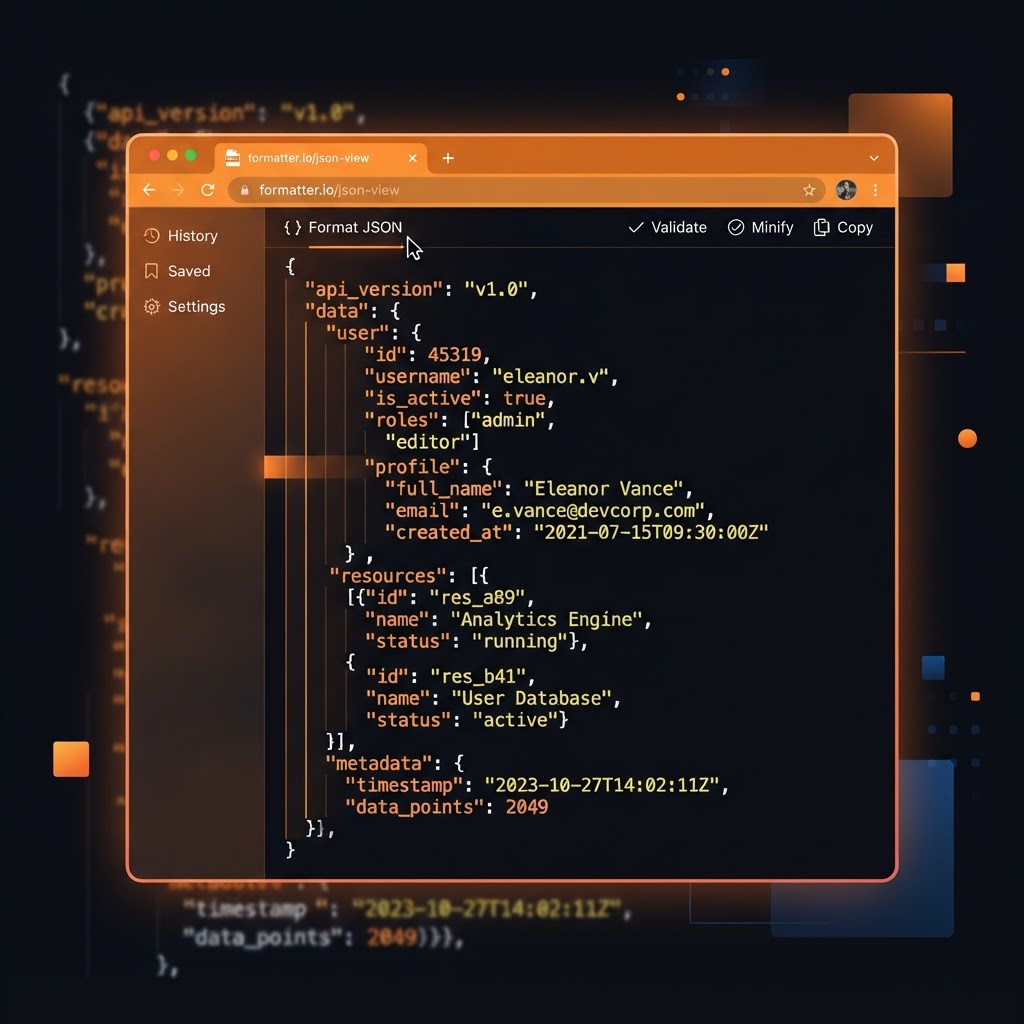
What Is JSON and Why Formatting Matters
JSON (JavaScript Object Notation) is the lingua franca of modern web development. APIs, configuration files, databases, and applications all use JSON to structure and exchange data. It is lightweight, human-readable, and machine-parseable — which is why it has replaced XML in almost every modern use case. If you work with web technologies, you work with JSON daily.
The problem is that JSON in the wild is often minified — compressed to remove all whitespace for efficiency. This makes it efficient to transmit but nearly impossible to read. A minified JSON file is a single line of dense text with no line breaks or indentation. A JSON formatter solves this by adding the whitespace back, turning a wall of text into a neatly structured, readable document.
How a JSON Formatter Works
Our JSON formatter parses your input and re-emits it with proper indentation and line breaks. It validates the JSON as it formats — if there is a syntax error, it tells you exactly where. This dual function of formatting and validation makes it indispensable when you are debugging API responses or writing configuration files.
The tool also minifies JSON — removing all unnecessary whitespace to produce the most compact version. This is useful when you want to reduce file size for transmission or storage. The formatter and minifier work in both directions, giving you full control over the presentation of your JSON data.
Who Uses a JSON Formatter
API developers use it to inspect responses from third-party services, ensuring the data structure matches expectations. Frontend developers format API responses to understand the shape of the data they are rendering. Backend developers format configuration files and database exports. Data analysts use it to examine JSON data from various sources. QA engineers validate JSON payloads during testing.
For anyone working with APIs, a formatter is a daily tool. Instead of squinting at minified JSON or writing custom formatting scripts, you paste the data and instantly get a readable version. The time savings are significant, and the reduction in errors is even more valuable — misreading a JSON structure can lead to bugs that take hours to track down.
A Step-by-Step Guide to Using the Tool
Paste your JSON into the input area. Click format to beautify it with proper indentation, or click minify to compress it. If the JSON has a syntax error, the tool will highlight the issue and tell you where it is, so you can fix it immediately.
Copy the formatted or minified result and use it in your code. The formatted version is for reading and debugging; the minified version is for production. For large JSON files, the tool handles them instantly in your browser with no server round-trip, so there is no size limit beyond your device's memory.
Common JSON Errors and How to Fix Them
The most common JSON error is a trailing comma — a comma after the last item in an array or object. JSON strictly forbids this, even though JavaScript allows it. The formatter will flag the exact location so you can remove the comma. Another common error is using single quotes instead of double quotes — JSON requires double quotes for strings and keys.
Unescaped characters in strings cause errors. A quote inside a string must be escaped as \", and special characters like newlines must be escaped as \n. The formatter catches these and points you to the exact location. By formatting regularly as you write, you catch errors early rather than debugging a large file at the end.
Privacy and Performance for Sensitive Data
Because the formatter runs entirely in your browser, your JSON data is never sent to a server. This makes it safe for sensitive data — API keys, user data, proprietary configurations. You can format and inspect without worrying about data leakage. Close the tab and the data is gone.
The tool handles large files efficiently. Modern browsers can parse and format megabytes of JSON in seconds. For extremely large files, you may notice a brief pause, but the result is always delivered. This combination of privacy, speed, and accuracy makes a browser-based formatter the best choice for everyday JSON work.
Frequently Asked Questions
Developer Tools That Respect Your Data
Developers reach for small utilities dozens of times a day — formatting JSON, testing a regex, generating a UUID, encoding Base64, minifying CSS, converting a timestamp. Each of these tasks is trivial individually, but collectively they consume meaningful time and break focus. Good developer tools reduce each one to a single paste-and-copy action.
The most important property of a developer utility is trust. When you paste an API response to format it, you might be pasting real credentials, customer data, or production configuration. A tool that sends your input to a server creates a risk every time you use it. A tool that runs entirely in your browser creates none. Every developer tool on ToolsHub processes your data locally — nothing is transmitted, stored, or logged — so you can safely paste real values without first scrubbing them.
Consistency matters too. A JSON formatter, a regex tester, and a diff checker should all behave the way you expect them to, with predictable keyboard shortcuts, clear error messages, and output you can copy with one click. The goal is for the tool to disappear into your workflow — to be so fast and familiar that you never have to think about the tool itself, only about the problem you are solving.
About JSON Formatter
Our JSON Formatter and Validator instantly beautifies, minifies, and validates JSON data directly in your browser. It's the go-to tool for developers who need to quickly debug API responses, format configuration files, or validate data structures without installing software.
JSON (JavaScript Object Notation) is the most widely used data interchange format on the internet. Every REST API, every web application configuration, and most modern databases use JSON. Yet minified or malformed JSON is notoriously difficult to read. A single misplaced comma can break an entire application.
Our tool catches syntax errors immediately, formats your JSON with clean indentation, and shows you exactly where the problem is — saving hours of debugging time. Unlike browser DevTools, it works offline, handles any file size, and requires zero setup.
Common Use Cases
Key Features
How to Use JSON Formatter
- 1
Paste your raw or minified JSON into the input field
- 2
Click "Format / Beautify" to format with proper indentation
- 3
Any JSON syntax errors will be highlighted with a description
- 4
Use "Minify" to compress JSON back to a single line for production
- 5
Copy the formatted output with the copy button
Why Use JSON Formatter?
Instant API Debugging
Paste a raw API response and immediately see the structure clearly. Identify missing fields, wrong data types, and unexpected nesting in seconds.
Security-Safe Tool
Processing happens entirely in your browser. You can safely paste API keys, authentication tokens, and sensitive configuration data without any server-side exposure.
Save Hours of Debugging
A missing comma or unclosed bracket in a large JSON payload can take 20 minutes to find manually. Our validator pinpoints the exact line and character instantly.
Production-Ready Output
The minifier removes all whitespace and comments to produce the most compact JSON possible — reducing API response sizes and improving application performance.

