QR Code Generator
Create QR codes for URLs, text, contact info, and WiFi networks
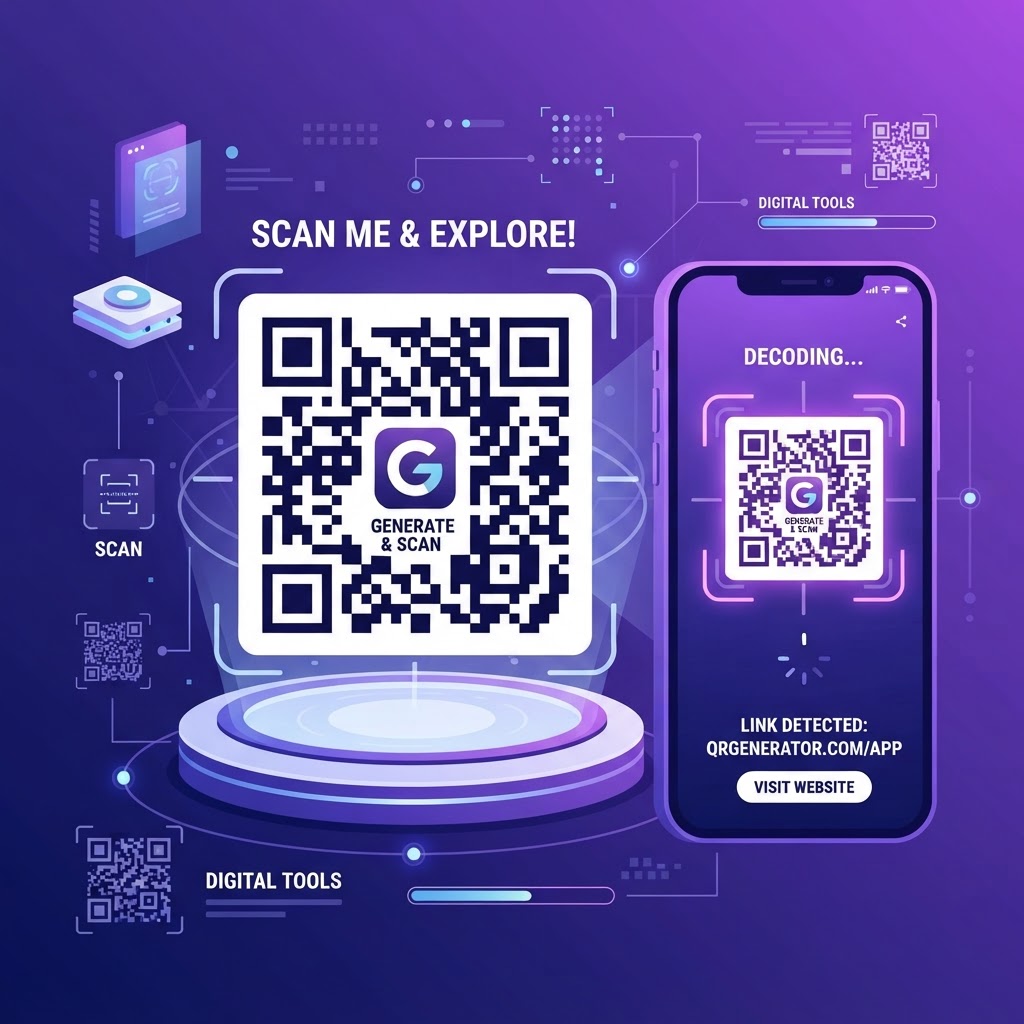
What Is a QR Code and Why It Matters in 2026
A QR (Quick Response) code is a two-dimensional barcode that stores information readable by smartphone cameras. Unlike traditional barcodes that hold a simple number, a QR code can encode URLs, text, contact information, WiFi credentials, payment links, and much more. Since the pandemic made contactless interaction essential, QR codes have become ubiquitous — on restaurant menus, product packaging, business cards, posters, and digital displays.
The beauty of a QR code is its simplicity: a user points their phone camera, and the content opens instantly. No typing long URLs, no searching, no friction. This makes QR codes one of the most effective bridges between the physical and digital worlds. Our QR Code Generator lets you create these codes instantly, for free, with no sign-up required.
What You Can Encode in a QR Code
URLs are the most common use — linking to a website, product page, or download. But QR codes do far more. You can encode plain text, contact information (vCard) that adds someone to a phone's contacts with a scan, WiFi credentials that let guests connect to a network without typing a password, email addresses, phone numbers, SMS messages, and calendar events.
For businesses, this versatility is powerful. A restaurant can encode its menu URL, a real estate agent can link a property listing, a product packaging can link to instructions, a business card can share full contact details. Each use case turns a physical object into a gateway to digital content, all through a simple scan.
How the QR Code Generator Works
Enter the content you want to encode — a URL, text, contact info, or WiFi details. The generator instantly creates a scannable QR code. You can download it as a high-resolution PNG image suitable for printing or digital display. The code is generated entirely in your browser, so your data never leaves your device.
The tool supports error correction levels, which determine how much damage the code can sustain and still scan. Higher error correction means the code works even if partially obscured or printed on a rough surface — useful for packaging and outdoor use. The default level works for most applications, but you can adjust it for demanding environments.
A Step-by-Step Guide to Using the Tool
Choose the type of content you want to encode — URL, text, WiFi, contact info, or other. Enter the specific data for that type. The QR code generates instantly as you type. Preview the code to ensure it looks correct and is the right size.
Download the code as a PNG image. You can now print it, embed it in a design, or share it digitally. Test it by scanning with your phone before printing in bulk — this confirms it works and encodes the right content. For printed materials, use a high-resolution download to ensure crisp scanning.
Best Practices for Designing and Placing QR Codes
Size matters. A QR code needs to be large enough to scan reliably — at least 2 centimeters (about 0.8 inches) for close-range scanning, larger for distances. As a rule of thumb, the scanning distance should be about ten times the code size. A code on a business card works at arm's length; a code on a billboard needs to be much larger.
Contrast is essential. The code should be dark on a light background for the best scanning reliability. Avoid placing codes on busy patterns or low-contrast surfaces. Leave a quiet zone — a margin of blank space — around the code, as scanners need this to detect the code boundaries. Following these basics ensures your codes scan reliably in the real world.
Tracking and Dynamic QR Codes
Our generator creates static QR codes, where the content is fixed in the code itself. For marketing campaigns where you want to track scans or change the destination later, dynamic QR codes (which link to a redirectable URL) are the better choice. However, for most personal and small business uses, static codes are simpler and more reliable — they never expire and never depend on a third-party service.
For tracking, you can use a URL shortener with analytics as the destination, then encode that shortened URL in the QR code. This gives you scan data without the complexity of dynamic QR services. Whatever your approach, always test your code before deploying it widely — a broken QR code is a missed opportunity.
Frequently Asked Questions
Developer Tools That Respect Your Data
Developers reach for small utilities dozens of times a day — formatting JSON, testing a regex, generating a UUID, encoding Base64, minifying CSS, converting a timestamp. Each of these tasks is trivial individually, but collectively they consume meaningful time and break focus. Good developer tools reduce each one to a single paste-and-copy action.
The most important property of a developer utility is trust. When you paste an API response to format it, you might be pasting real credentials, customer data, or production configuration. A tool that sends your input to a server creates a risk every time you use it. A tool that runs entirely in your browser creates none. Every developer tool on ToolsHub processes your data locally — nothing is transmitted, stored, or logged — so you can safely paste real values without first scrubbing them.
Consistency matters too. A JSON formatter, a regex tester, and a diff checker should all behave the way you expect them to, with predictable keyboard shortcuts, clear error messages, and output you can copy with one click. The goal is for the tool to disappear into your workflow — to be so fast and familiar that you never have to think about the tool itself, only about the problem you are solving.
About QR Code Generator
Create professional QR codes for URLs, plain text, contact information, WiFi credentials, and more in seconds. Our free QR Code Generator produces high-resolution, scannable codes that work with all modern smartphones and QR reader apps.
QR codes have become essential in modern marketing, business operations, and personal communication. Restaurants use them for digital menus. Marketers use them to bridge print and digital campaigns. Professionals share contact details without exchanging physical business cards.
Our generator creates QR codes that are optimized for real-world use — with adjustable error correction to ensure they scan even when printed on curved surfaces, slightly dirty, or damaged. All codes are static, permanent, and free to use commercially.
Common Use Cases
Key Features
How to Use QR Code Generator
- 1
Select the content type: URL, Text, WiFi, or Contact
- 2
Enter your content in the input field
- 3
The QR code generates automatically in real-time
- 4
Adjust the size and error correction level if needed
- 5
Download as PNG for print or digital use
Why Use QR Code Generator?
Bridge Print and Digital
Add QR codes to flyers, business cards, packaging, and posters to instantly connect physical materials to websites, landing pages, or contact details.
Share WiFi Without Typing
Encode your WiFi network name and password in a QR code. Guests scan it with their phone camera and connect automatically — no typing required.
Contactless Business Cards
Generate a vCard QR code with your name, phone, email, and website. Contacts are saved to the scanner's phone address book with one tap.
Permanent and Reliable
Unlike URL shorteners that can go offline, static QR codes never expire. They work as long as the encoded URL or content is valid.

