Password Generator
Generate strong, secure passwords with customizable options
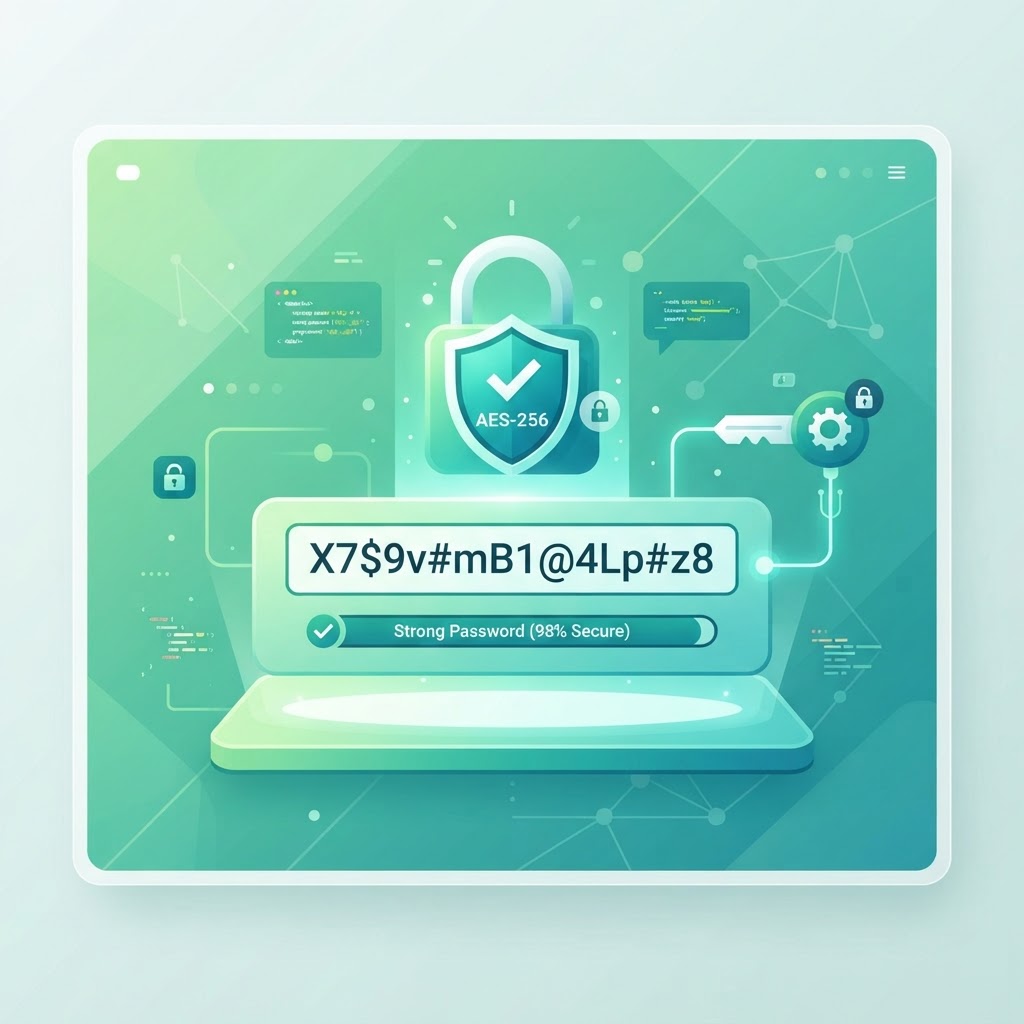
Why Strong Passwords Are Your First Line of Defense
Weak passwords are the single biggest security vulnerability for most people. Studies consistently show that the majority of account breaches come from stolen or guessed passwords, not sophisticated hacking. A password like "password123" or your pet's name can be cracked in seconds by automated tools. A strong, randomly generated password resists these attacks and protects your accounts, identity, and data.
The challenge is that humans are bad at creating and remembering strong passwords. We default to patterns, reuse passwords across sites, and choose things that are meaningful to us — all of which make passwords easier to crack. A password generator solves this by creating truly random, strong passwords that no human would devise and no attacker could guess.
What Makes a Password Strong
Length is the most important factor. Each additional character exponentially increases the time it takes to crack a password. A 12-character password is dramatically stronger than an 8-character one, even with simpler characters. Our tool defaults to 16 characters, which provides excellent security for most use cases.
Complexity adds strength. Including uppercase letters, lowercase letters, numbers, and symbols expands the character set, making each character position harder to guess. Randomness is essential — predictable patterns (like "Password1!") are weak despite meeting complexity requirements. Our generator uses cryptographically secure randomness to produce passwords that are both complex and unpredictable.
How the Password Generator Works
Set your desired password length using the slider. Toggle the character types you want included — uppercase, lowercase, numbers, and symbols. Click generate and the tool instantly creates a random, strong password matching your specifications. Copy it with a single click and paste it into your account setup or password manager.
The tool uses cryptographically secure random number generation, which is far stronger than standard random functions. This ensures the passwords it produces are truly unpredictable and resistant to the statistical patterns that attackers exploit. Every password is generated locally in your browser, so it never leaves your device.
A Step-by-Step Guide to Using the Tool
Adjust the length slider to your desired password length — 16 characters is a good default. Select which character types to include. For most accounts, enabling all four types provides the strongest passwords. Click generate to create a new password.
Review the generated password and copy it. Paste it into your account's password field during signup or a password change. Store the password in a password manager so you do not have to remember it. If you do not like the first result, generate again — each click produces a completely new password.
Using Password Managers with Generated Passwords
The best practice is to pair a password generator with a password manager. The generator creates strong passwords; the manager remembers them so you do not have to. This lets you use a unique, strong password for every account without memorizing dozens of random strings. Most password managers have built-in generators, but our tool is useful when you need a password outside that workflow.
Never reuse passwords across accounts. If one site is breached, attackers will try the same password on other sites. A unique password per account ensures that a single breach does not cascade. Our generator makes creating unique passwords effortless, so there is no reason to reuse.
Common Password Mistakes to Avoid
Avoid using personal information — names, birthdays, addresses, pet names. These are the first things attackers try, and they are easily found on social media. Avoid common patterns like "Password1" or "Qwerty123" — these appear in every cracking dictionary. Avoid sequences like "12345678" or "abcdefg" — they take seconds to crack.
Never write passwords on sticky notes or share them in plain text. If you must write them down, store them in a secure location. Better yet, use a password manager and only remember one strong master password. The combination of a generator and a manager is the single most effective step you can take to secure your digital life.
Frequently Asked Questions
Developer Tools That Respect Your Data
Developers reach for small utilities dozens of times a day — formatting JSON, testing a regex, generating a UUID, encoding Base64, minifying CSS, converting a timestamp. Each of these tasks is trivial individually, but collectively they consume meaningful time and break focus. Good developer tools reduce each one to a single paste-and-copy action.
The most important property of a developer utility is trust. When you paste an API response to format it, you might be pasting real credentials, customer data, or production configuration. A tool that sends your input to a server creates a risk every time you use it. A tool that runs entirely in your browser creates none. Every developer tool on ToolsHub processes your data locally — nothing is transmitted, stored, or logged — so you can safely paste real values without first scrubbing them.
Consistency matters too. A JSON formatter, a regex tester, and a diff checker should all behave the way you expect them to, with predictable keyboard shortcuts, clear error messages, and output you can copy with one click. The goal is for the tool to disappear into your workflow — to be so fast and familiar that you never have to think about the tool itself, only about the problem you are solving.
About Password Generator
Generate cryptographically secure, random passwords of any length with full control over character types. Our Password Generator helps individuals and developers create strong passwords that resist brute-force attacks, dictionary attacks, and credential stuffing.
Weak passwords are the number one cause of account breaches. "123456", "password", and "qwerty" still appear in hundreds of millions of compromised accounts every year. A strong, unique password for every account is the most impactful security step you can take.
Unlike other password generators, ours uses the browser's built-in cryptographically secure random number generator (window.crypto.getRandomValues) — the same standard used by security professionals and the NSA. Your generated passwords are never transmitted, stored, or logged anywhere.
Common Use Cases
Key Features
How to Use Password Generator
- 1
Set your desired password length using the slider
- 2
Choose character types: uppercase, lowercase, numbers, symbols
- 3
Click "Generate" to create a new secure password
- 4
Use the copy button to save it to your clipboard instantly
- 5
Store it in a password manager like Bitwarden, 1Password, or Dashlane
Why Use Password Generator?
Bank-Grade Security
Using window.crypto.getRandomValues, our passwords have true cryptographic randomness — the same standard used in SSL certificates and encryption keys.
Prevent Account Takeovers
A random 16-character password with mixed case, numbers, and symbols has 95^16 possible combinations — making brute-force attacks computationally infeasible.
Works Offline
The generator runs entirely in your browser. No internet connection required after the page loads — perfect for air-gapped or sensitive environments.
Complete Privacy
Passwords are generated and displayed only in your browser. Nothing is transmitted, logged, or stored. Close the tab and the password is gone forever.

